

How It Works
1
Install a ClearLine Smart QR/NFC Product
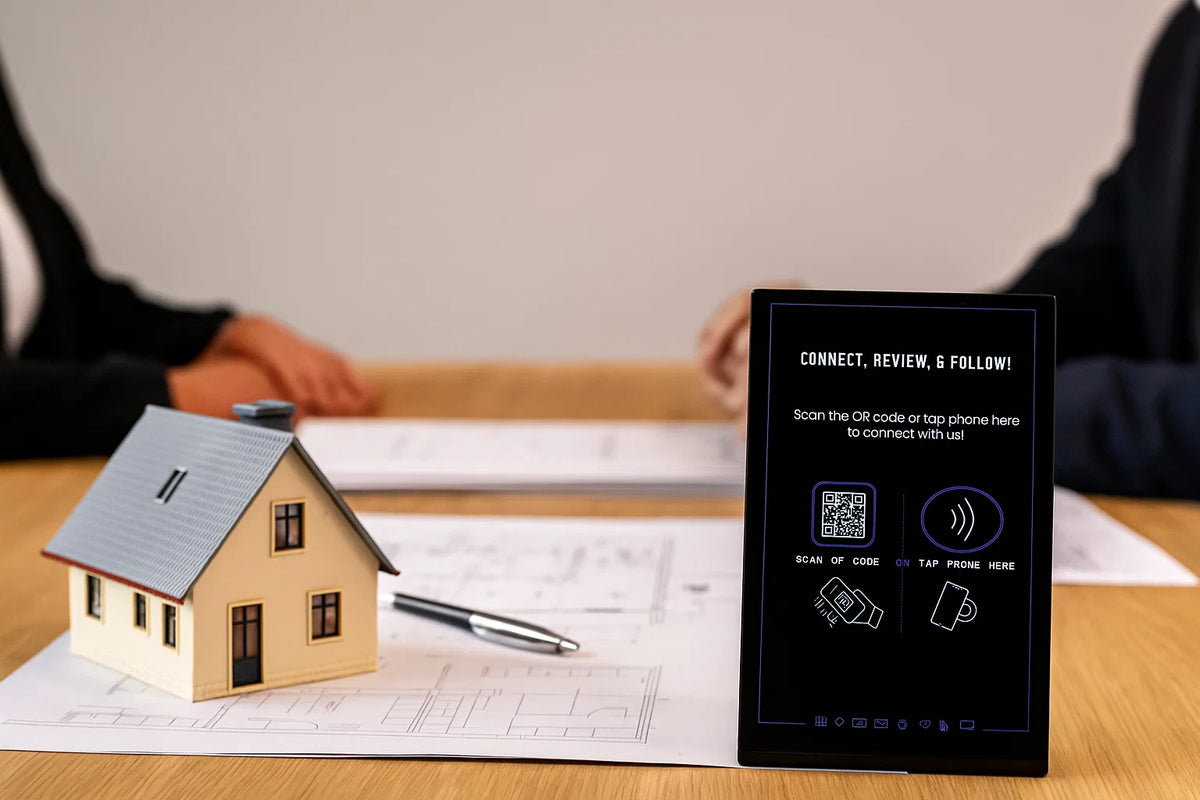
Place on the materials used during your work, such as inspection reports, invoices, equipment cases, or professional business cards.
2
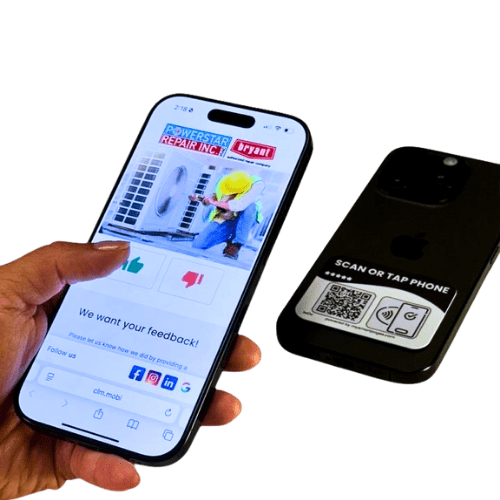
Client taps or scans
Instantly opens your inspection Smart Page.
3
Engage with features
Clients can:
- Book home inspections or follow-ups
- Leave reviews about your service
- Join referral programs
- Access helpful resources related to property inspections
- Follow your professional profiles
- View contact information and request additional services
4
Update anytime
Inspection services and certifications can evolve over time. The Smart Page allows inspectors to update service descriptions, booking links, or credentials without replacing printed materials.
-
All-in-1 Smart Phone Tag
Regular price $17.47Regular priceUnit price per$24.95Sale price $17.47 -
All-in-1 Smart Sticker
Regular price $23.97Regular priceUnit price per$39.95Sale price $23.97 -
All-in-1 Smart Keychain
Regular price $20.97Regular priceUnit price per$29.95Sale price $20.97 -
All-in-1 NFC Lanyard Card
Regular price $20.97Regular priceUnit price per$29.95Sale price $20.97


Why Clearline Tools for Home Inspectors

Other Stands
Encourages post-inspection feedback
Clients can leave reviews immediately after the service.
Creates a clear contact hand-off before leaving the property
Clients can quickly save your contact details to their phone during the inspection meeting.
Supports referral-driven business models
Real estate agents present during the inspection can tap the device and keep your details for future clients.
Professional presentation
While explaining findings on site, inspectors can provide a simple tap interaction instead of handing out printed materials.
Flexible information updates
Adjust services, credentials, or contact details without printing new materials.
Suitable for independent inspectors or inspection companies
The system works for solo professionals and larger teams.