

How It Works
1
Install a ClearLine Smart QR/NFC Product
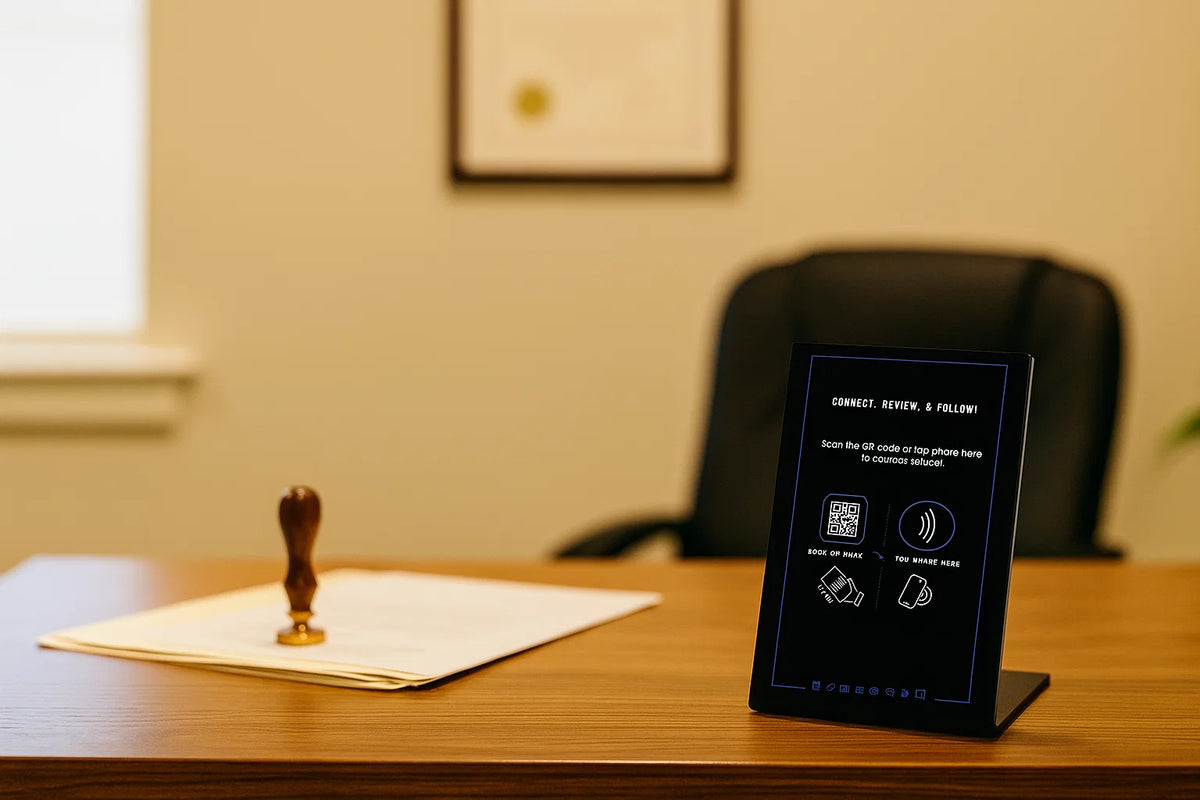
Place the QR code or NFC tag on items that clients naturally see during your service: document folders, business cards, appointment confirmations, or mobile workstations.
2
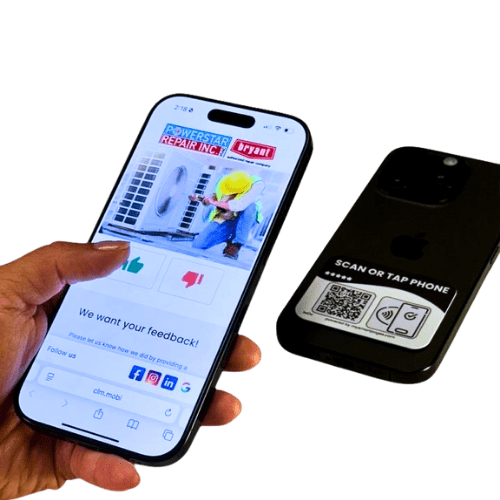
Client taps or scans
Instantly opens your notary Smart Page.
3
Engage with features
Clients can:
- Book mobile notary services
- Leave reviews to strengthen credibility
- Claim referral discounts
- Follow your professional social media
- Access your credentials and contact info
- Make payments (if enabled)
4
Update anytime
Service areas, availability, or pricing may change over time. The Smart Page allows updates to booking links, credentials, and contact details without replacing printed materials.
-
All-in-1 Smart Phone Tag
Regular price $17.47Regular priceUnit price per$24.95Sale price $17.47 -
All-in-1 Smart Sticker
Regular price $23.97Regular priceUnit price per$39.95Sale price $23.97 -
All-in-1 Smart Keychain
Regular price $20.97Regular priceUnit price per$29.95Sale price $20.97 -
All-in-1 NFC Lanyard Card
Regular price $20.97Regular priceUnit price per$29.95Sale price $20.97


Why Clearline Tools for Mobile Notaries

Other Stands
Fast access to services
Clients can reach scheduling or contact details immediately after a meeting.
Replaces traditional business cards
Instead of carrying stacks of printed cards, a simple tap lets clients capture your contact information instantly. This works especially good with ClearLine's carry-on NFC products - keychain, sticker, lanyard and phone tag.
Creates a modern professional impression
A quick NFC interaction feels more polished than exchanging paper contact information.
Credentials available in one place
Licensing or professional information can be easily referenced by clients.
Flexible updates
Changes to service areas or booking availability can be reflected instantly.
Adaptable for individuals or teams
Suitable for independent mobile notaries or notary service groups.