

How It Works
1
Install a ClearLine Smart Product
Place stands on tables, add stickers to menus, or put them near the counter and receipt area.
2
Customer taps or scans
Your restaurant page opens immediately.
3
Engage with features
Guests can:
- View your full menu
- Book a table
- Leave reviews
- Join your VIP list
- Claim current special offers
- Follow your social media pages
4
Update anytime
Edit daily specials, change menu links, update online ordering, or refresh featured images in real time.

-
All-In-1 Smart Stand for Coffee Shops
Regular price From $34.97Regular priceUnit price per$49.95Sale price From $34.97 -
All-in-1 Smart Sticker
Regular price $23.97Regular priceUnit price per$39.95Sale price $23.97 -
All-In-1 Smart Stand for Pizza Shops
Regular price From $34.97Regular priceUnit price per$49.95Sale price From $34.97 -
All-In-1 Smart Stand for Restaurants
Regular price From $34.97Regular priceUnit price per$49.95Sale price From $34.97 -
ClearLine Marketing Vertical Kiosk
Regular price $220.00Regular priceUnit price per


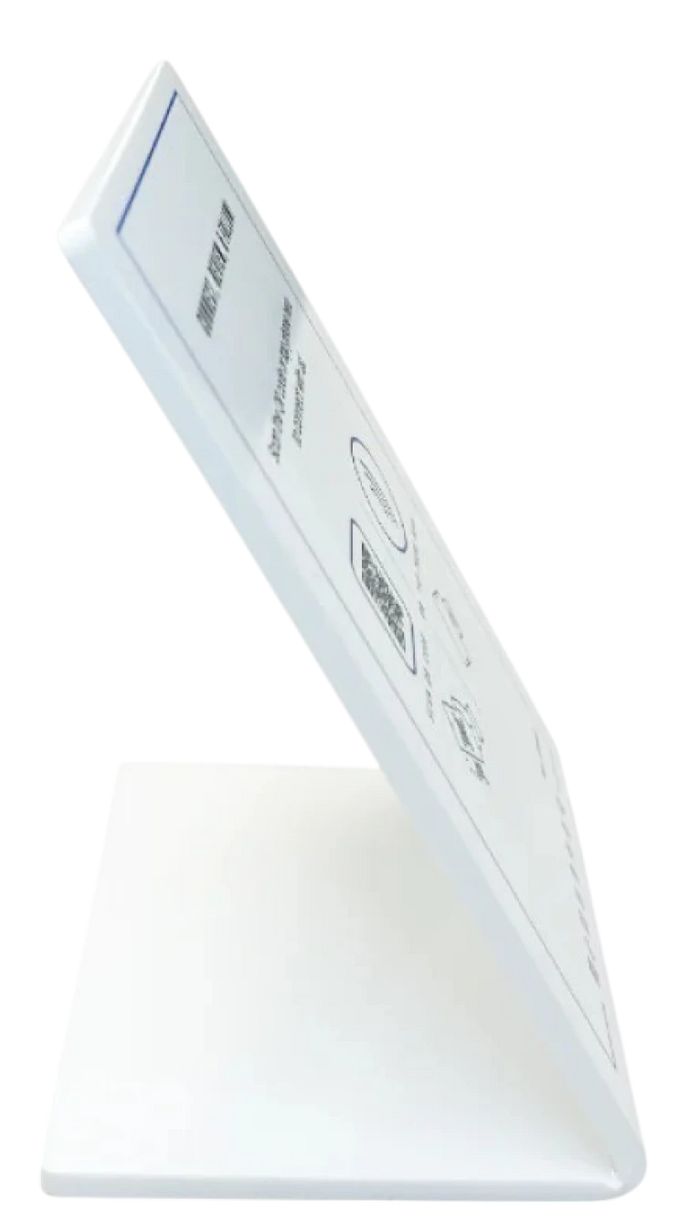
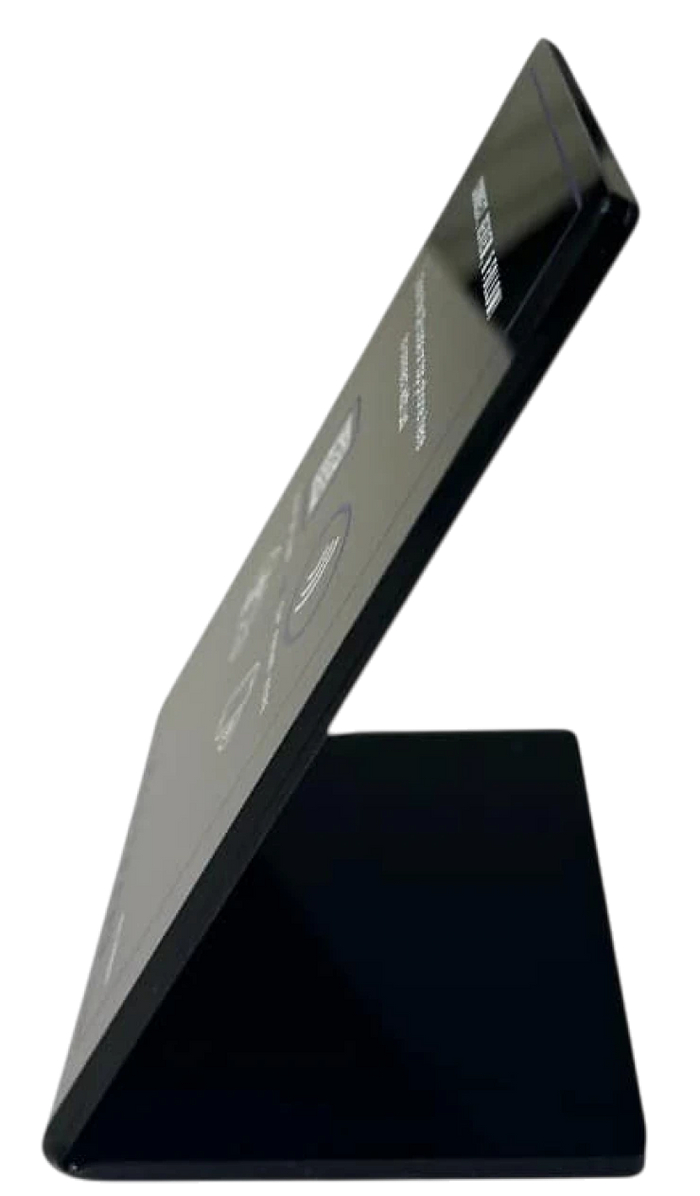
Why Clearline Tools for For Restaurants

Other Stands
Built around the guest journey
Help guests move from menu to booking, review, order, or follow without extra steps.
Useful at the table and counter
Works wherever guests are deciding what to eat, whether to return, or how to order next time.
Made for restaurant operators
Highlight menus, specials, reservation links, takeout ordering, and guest offers clearly.
Easy to update service by service
Change menus, ordering links, and promotions without reprinting materials every day.
Supports repeat visits
Use reviews, VIP sign-up, and follow prompts to keep guests connected after the meal.
Works for independents and chains
Suitable for single-site restaurants and larger hospitality groups.